
RELEASE NOTES
Introducing Creatures: A Fifth Compendium Type
The black ooze that ambushes you on the road. The pack of dire wolves. The Basigoat. Archivist now captures them as creatures, in a compendium section of their own.
Published November 10, 2026 • 4 min read
← Back to the Blog Hub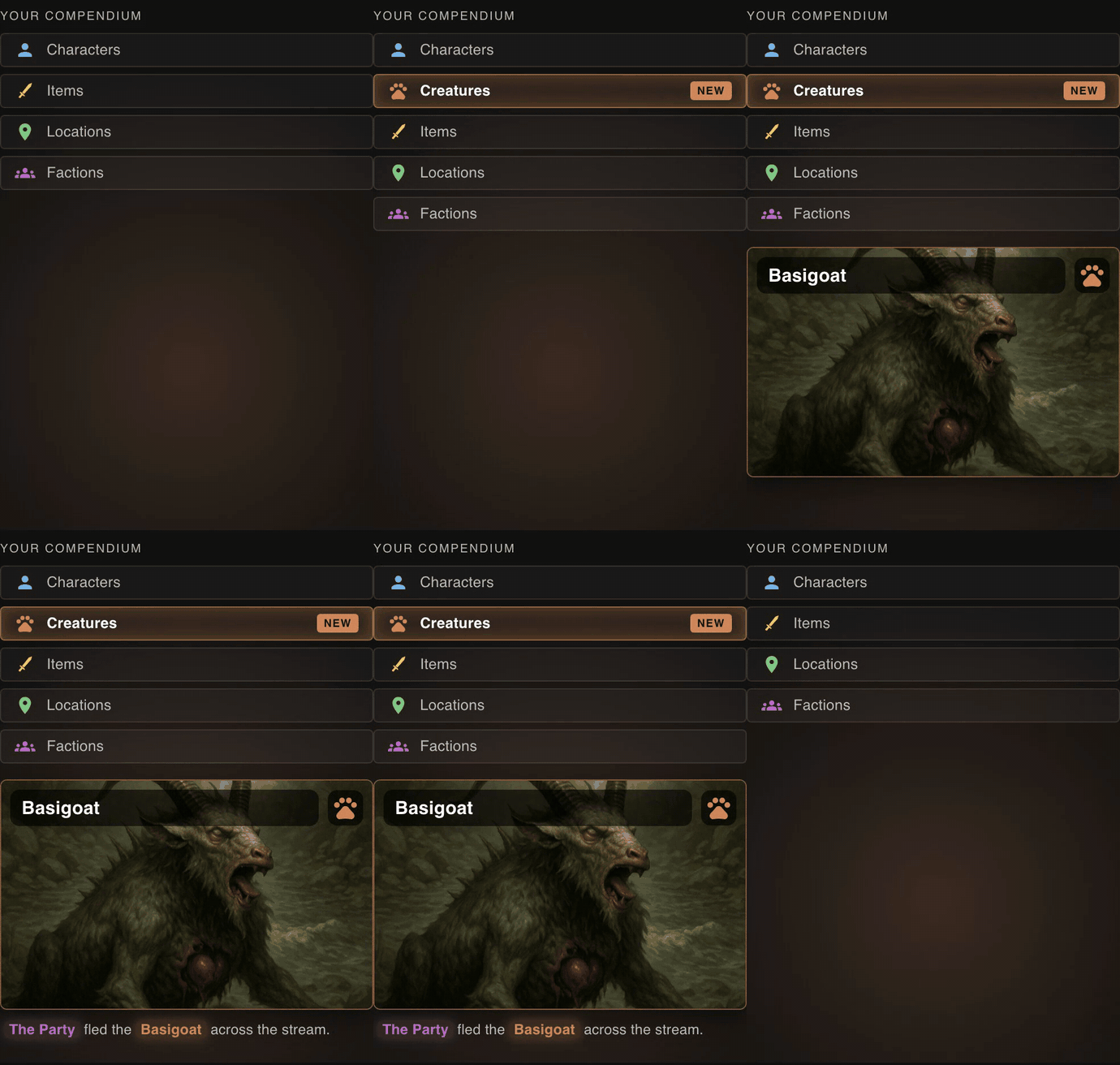
Why Creatures Needed Their Own Home
Until now, the compendium had four places for everything that shows up in your sessions: Characters, Factions, Locations and Items. Most things fit. Some did not.
A bandit gang is still a faction. The helpful ally who points you toward the keep is still a character. But when the black ooze drops on you from the cave ceiling, or a pack of dire wolves circles the camp, or a Basigoat charges the party on the road, you are dealing with a creature.
Creatures are often tied to combat, and combat is some of the most memorable action in a session, so they should be captured and categorized. Giving them their own type also keeps Characters and Factions cleaner.
What Counts as a Creature
- Creature: animals, beasts, oozes, mindless undead and constructs, alone or as a pack (Dire Wolves, the Basigoat).
- Character: a sapient individual, named or not. A talking wolf or a named pet is still a character.
- Faction: an organized group of people, such as a bandit gang or a goblin tribe.
How It Works
- Run Session Review as usual.
- Archivist finds the creatures in your session and sorts them from named characters and factions.
- Approve them like any other entity. They appear in the new Creatures tab.
This applies to every session from now on. It is not retroactive.
Built Into the Whole App
Creatures are a full compendium type, wired in everywhere an entity shows up:
- Compendium: a dedicated Creatures tab with its own portrait, description and property table.
- Property fields: threat level, abilities, weaknesses and more, built for monsters rather than people.
- Wikilinks: link creatures from summaries, beats and notes.
- Quests: creatures can be related entities on a quest, and even quest givers.
- Digital Trading Cards and Artifacts: make a card for your favorite monster, with its own creature badge.
- Timelines, filters and Data Studio: creatures have their own filters and show up in your campaign graph as their own group.
Already Have Creatures in Your Compendium?
New sessions sort creatures automatically, but your existing campaigns may already have monsters sitting under Characters, Factions or Locations. Moving them takes a minute: open any compendium list view, select the entries, and use Bulk Actions to reclass them to Creatures. Property values in fields the two types share are kept, and you are warned about anything that will not carry over. Reclassing is manual, and extraction of creatures in new sessions can be tuned with the Creatures card in Campaign Settings.